





| Name | Version | Update Info | Comments | Status |
|---|---|---|---|---|
| City Core - Post-Soviet City | 5.2 - 5.7 | First Release | UE5 READY |
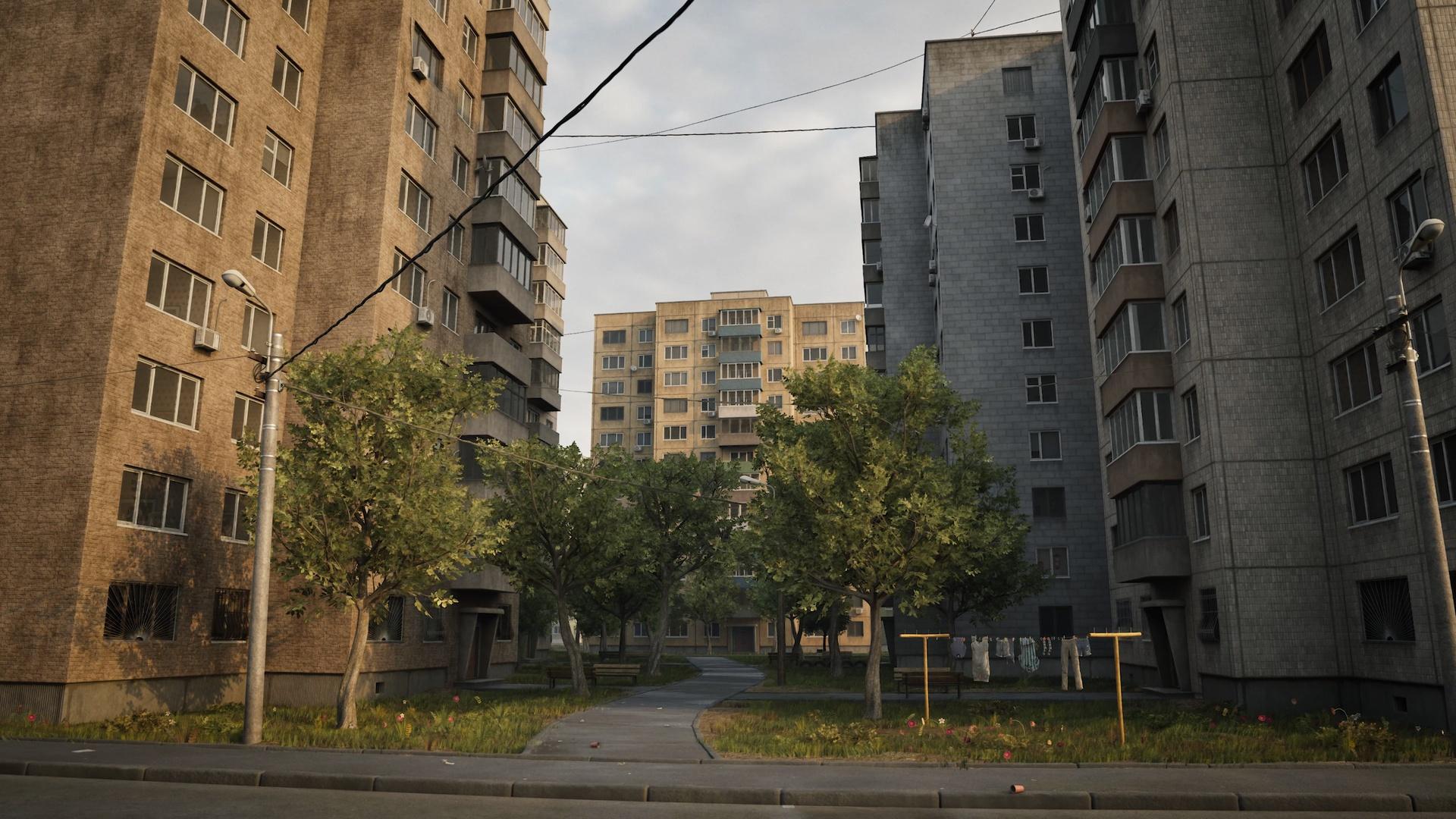
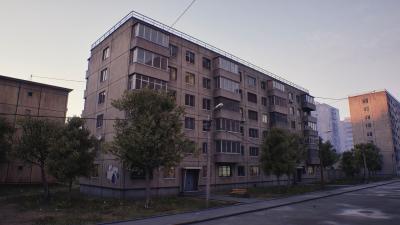
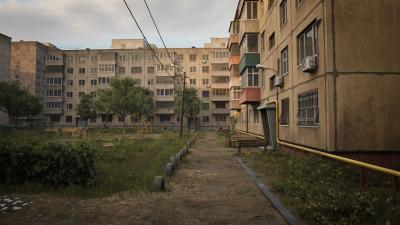
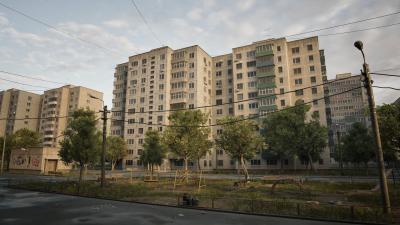
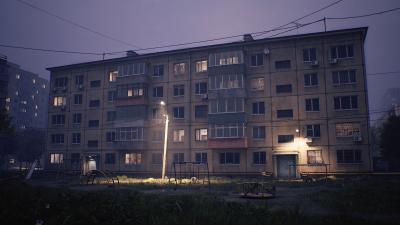
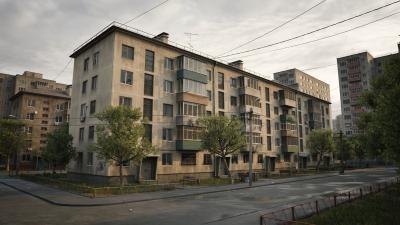
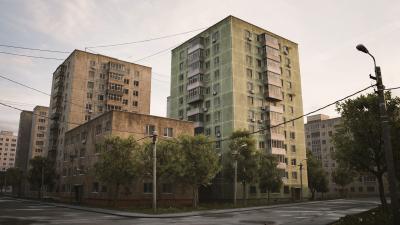
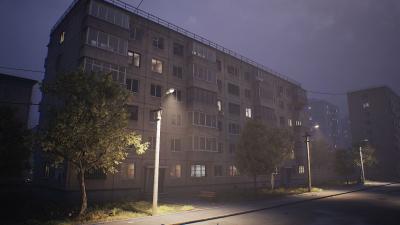
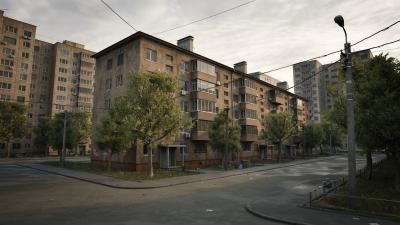
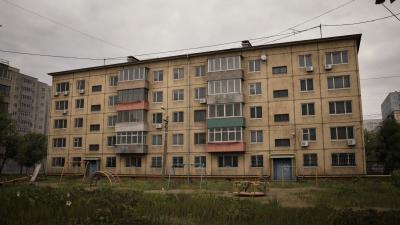
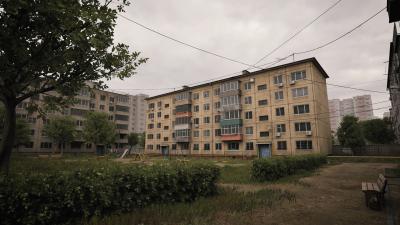
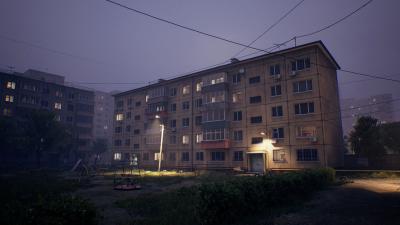
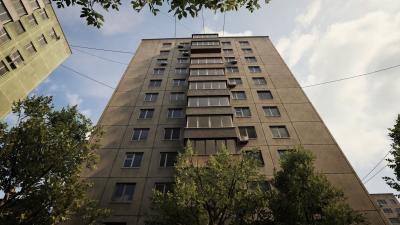
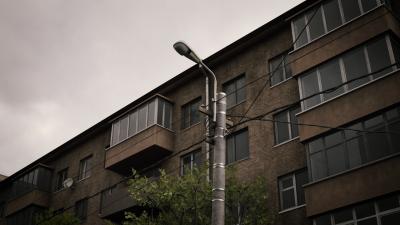
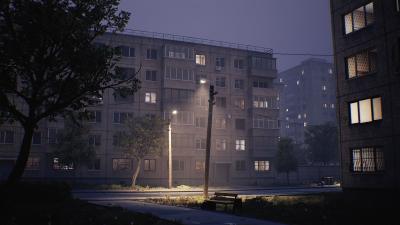
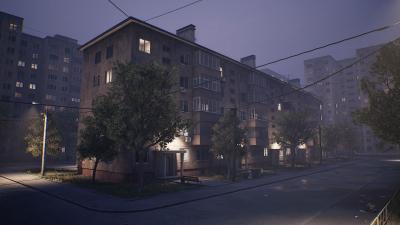
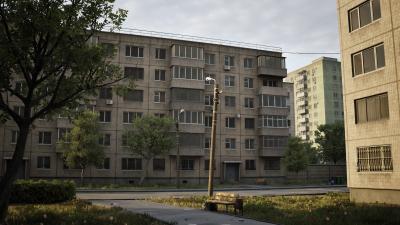
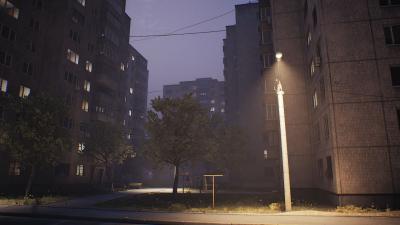
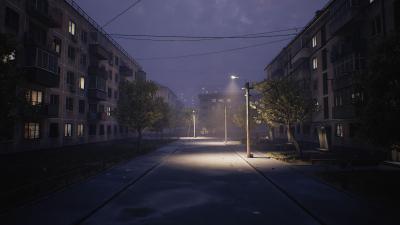
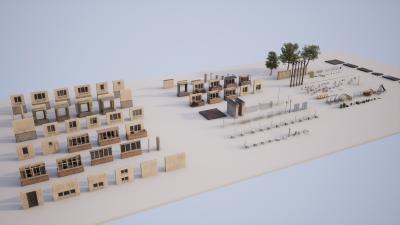
This pack includes all the essential assets to build a large, post-Soviet area in no time! Built for game developers and 3D artists, it offers a wide selection of high-quality 3D models, materials, and optimized blueprints. The pack includes customizable blueprints and materials, giving you complete artistic control over every element. This pack saves you countless hours of development, letting you focus on your creative vision without getting caught up in technical details. Creating a large scene for your game can be time-consuming, as it requires manually placing every object. With these blueprints and tools, you can design vast, unique areas in just hours instead of weeks or months.
Cinematic Video: [UE5] City Core - Post-Soviet City - Cinematic
Documentation: Documentation City Core - Post-Soviet City
Required * Plugin Geometry Script enabled. Edit - Plugins - Geometry. This is necessary for the Polygon Blueprint (used for building roofs/floors/sidewalls). You should enable it from Edit/Plugins/Geometry - “Geometry Script”, then restart the editor.
All objects are inspired by real-life, correctly scaled, and we paid attention to the smallest details for each object from the pack. This pack is perfect for realistic game development, video production, VFX, as well as film and television
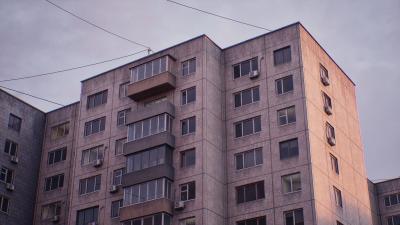
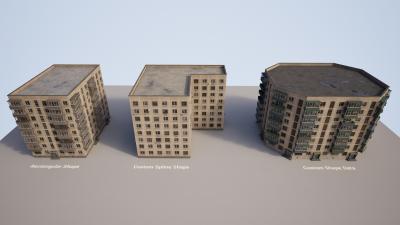
The customization options for the Building blueprints are limitless, offering a wide range of realistic styles and materials. Just set parameters like the number of floors, building shape, preset, and materials, and the tool will automatically generate the building for you. The tedious, repetitive work is handled by the blueprints, leaving you free to modify each building or modular piece at any time.
The Road, Intersection, and Sidewalk blueprints help you design a structured layout for the road system on your city map.
The blueprints from the pack, such as Building Blueprint, Sidewalk Blueprint, Road Blueprint, etc. are generated in the Construction Script in Editor, not during runtime.
The map featured in the presentation images and videos is included in the pack.
This product supports Lumen, Virtual Shadow, and Nanite.
Size Content Project ~5GB
The setting is inspired by various Eastern European cities, including Russia, Ukraine, Poland, and Romania, with a primary focus on the Khrushchevka-style buildings.
The HDRI sky textures are sourced from polyhaven.com and are licensed under CC0, making it public domain.
Thank you so much for buying the product! We’d like to invite you to rate or leave a review. It will take one minute and it will help us a lot!
Information about licenses: https://www.fab.com/eula
For any questions/feedback/suggestions - Support Email: [email protected]
Discover our other 3D environments, model packs, and tools!
Important:
Required * Plugin Geometry Script enabled. Edit - Plugins - Geometry. This is necessary for the Polygon Blueprint (used for roofs/floors/sidewalls). You should enable it from Edit/Plugins/Geometry - “Geometry Script”, then restart the editor.
Required You should enable DirectX 12. Edit - Project Settings - Platforms - Windows - Default RHI set to DirectX 12
Enable Generate Mesh Distance Fields (it could be enabled as default)
Required * You should Enable Nanite (it could be enabled as default)
Recommended * Set Lumen for Dynamic Global Illumination Method and Reflection Method".
Recommended System Specifications:
The project should be stored on a solid-state drive (SSD).
Windows 10 with support for DirectX 12
12-core CPU at 3.4 GHz
32 GB of System RAM
GeForce RTX-2080 / AMD Radeon 6000 or higher
8 GB of VRAM
 Inquiries / Questions: